Save the clip after it happens.
Always-on clip recorder and editor for Windows.
DownloadSmall on purpose. No launcher, no account, no overlay, nothing to babysit.
Always on
Keeps the last minutes in the background (NVENC when your GPU has it). One hotkey saves what just happened as an MP4.
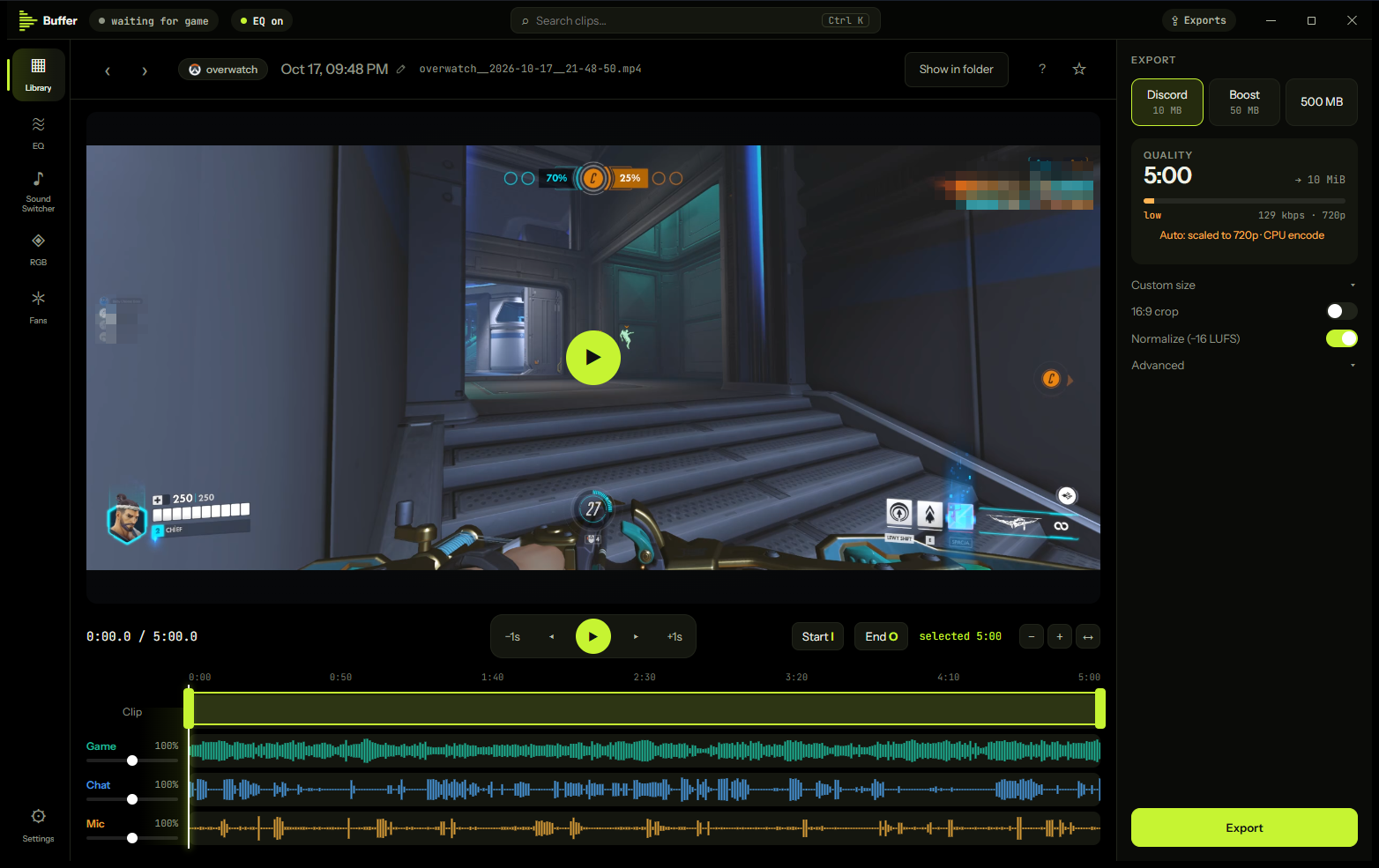
Three audio tracks
Game, voice chat and microphone are saved separately, so you can mute or fix any of them later. Devices that disappear are picked up again, and Buffer warns you when your mic ends up in the game track.
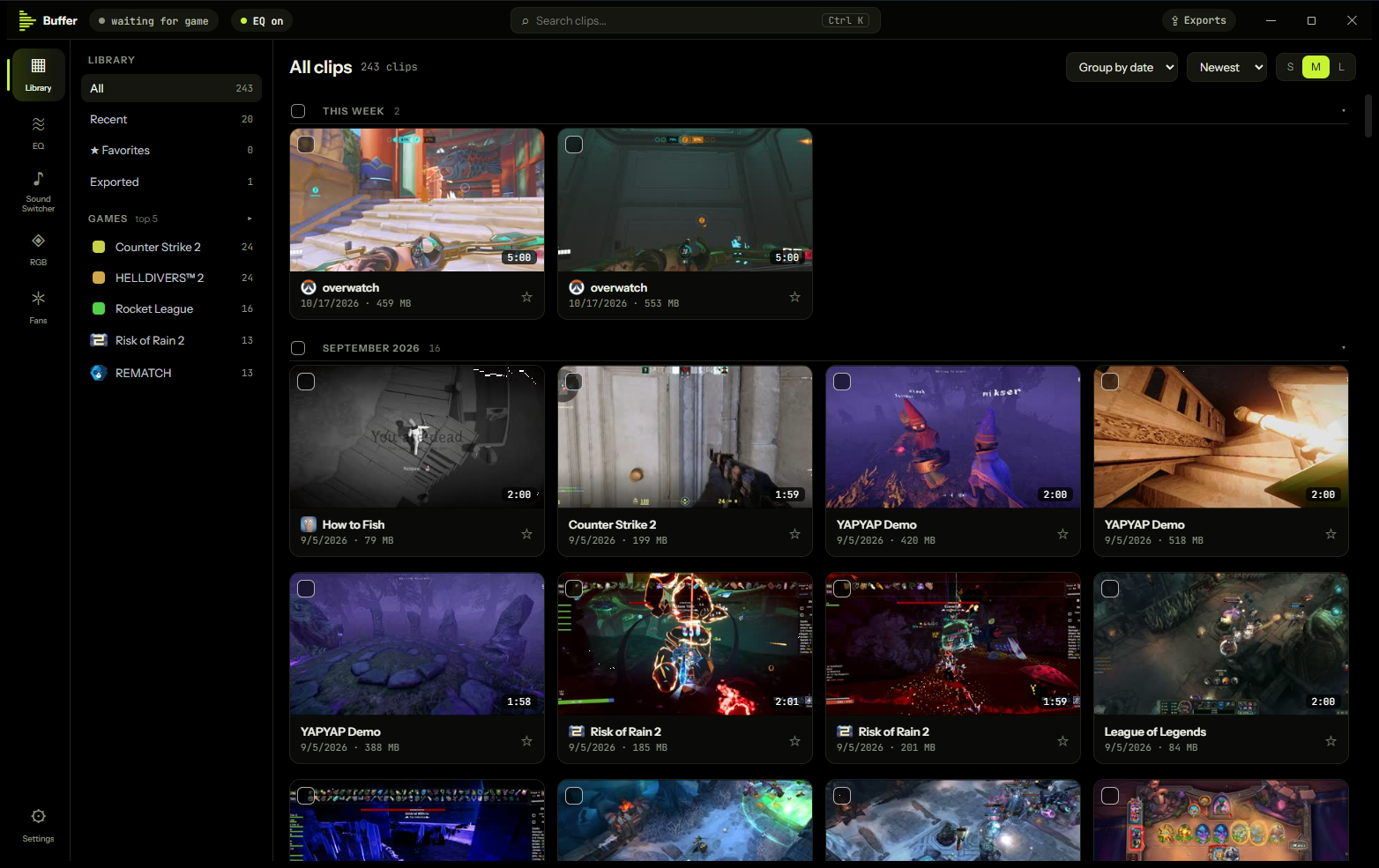
Big libraries, no lag
Thousands of clips stay smooth. Sort by game or group by date, with favorites, search and bulk actions. Clips from other recorders are filed by their folder.
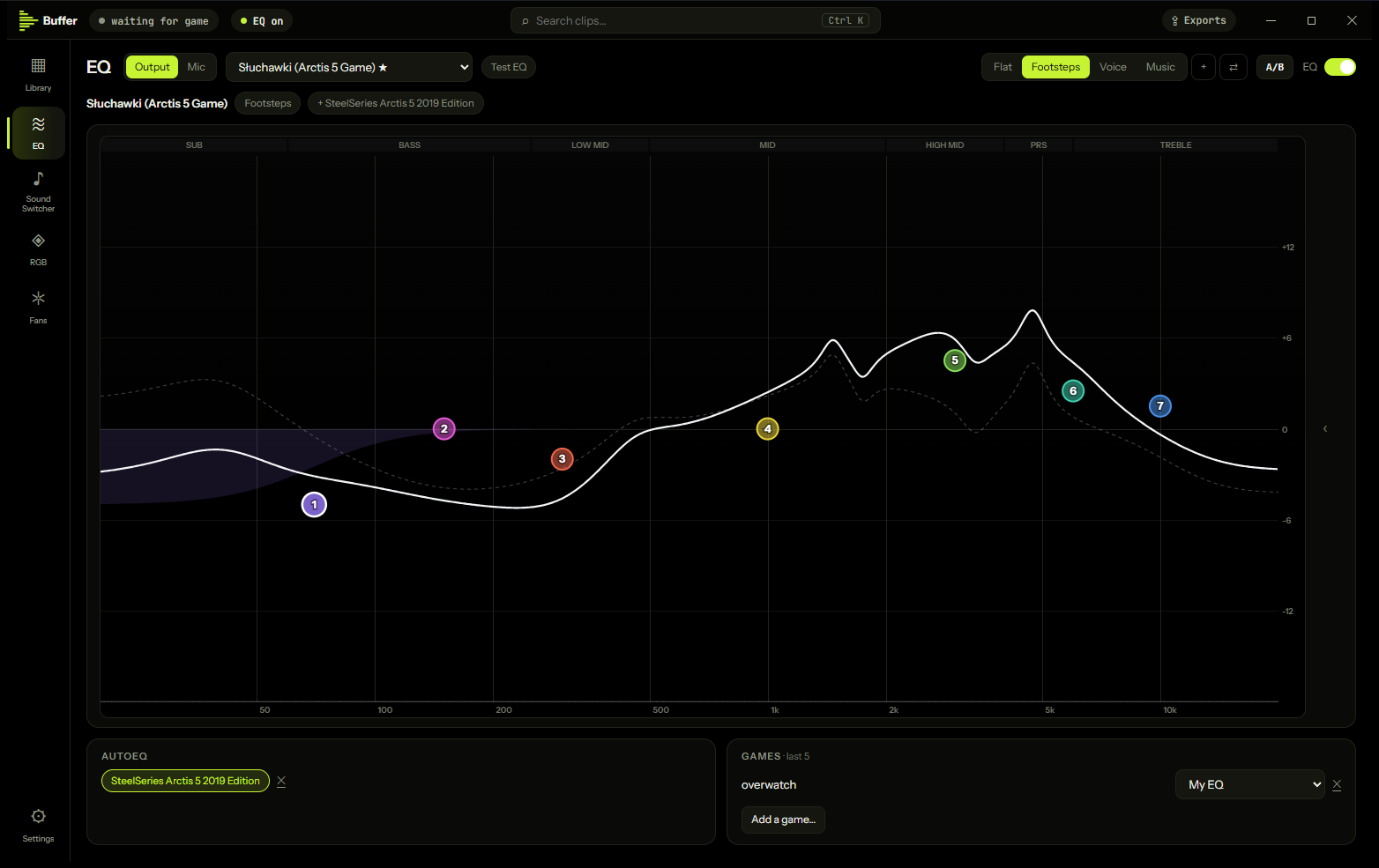
Live EQ, optional
A 7-band parametric EQ for your outputs and your mic, with presets, AutoEQ for your headphones, per-game presets and an output switch on a hotkey. No added delay; it runs on Equalizer APO, installed only if you turn the EQ on.
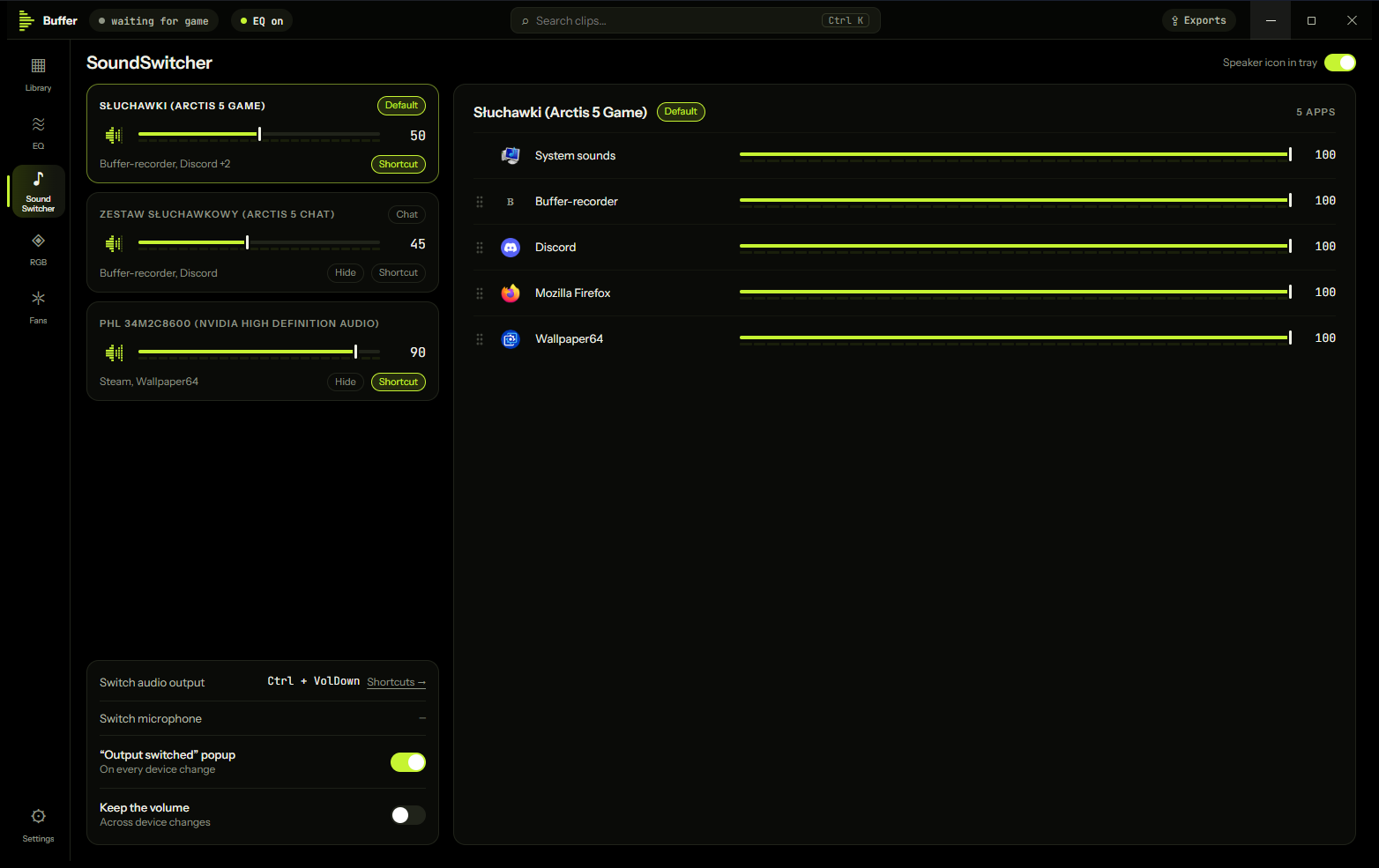
Sound Switcher
A tray mixer: every playback device and every app's volume, change the default output, scroll the icon to change volume, switch output or mic on a hotkey with a short popup. The EQ follows.
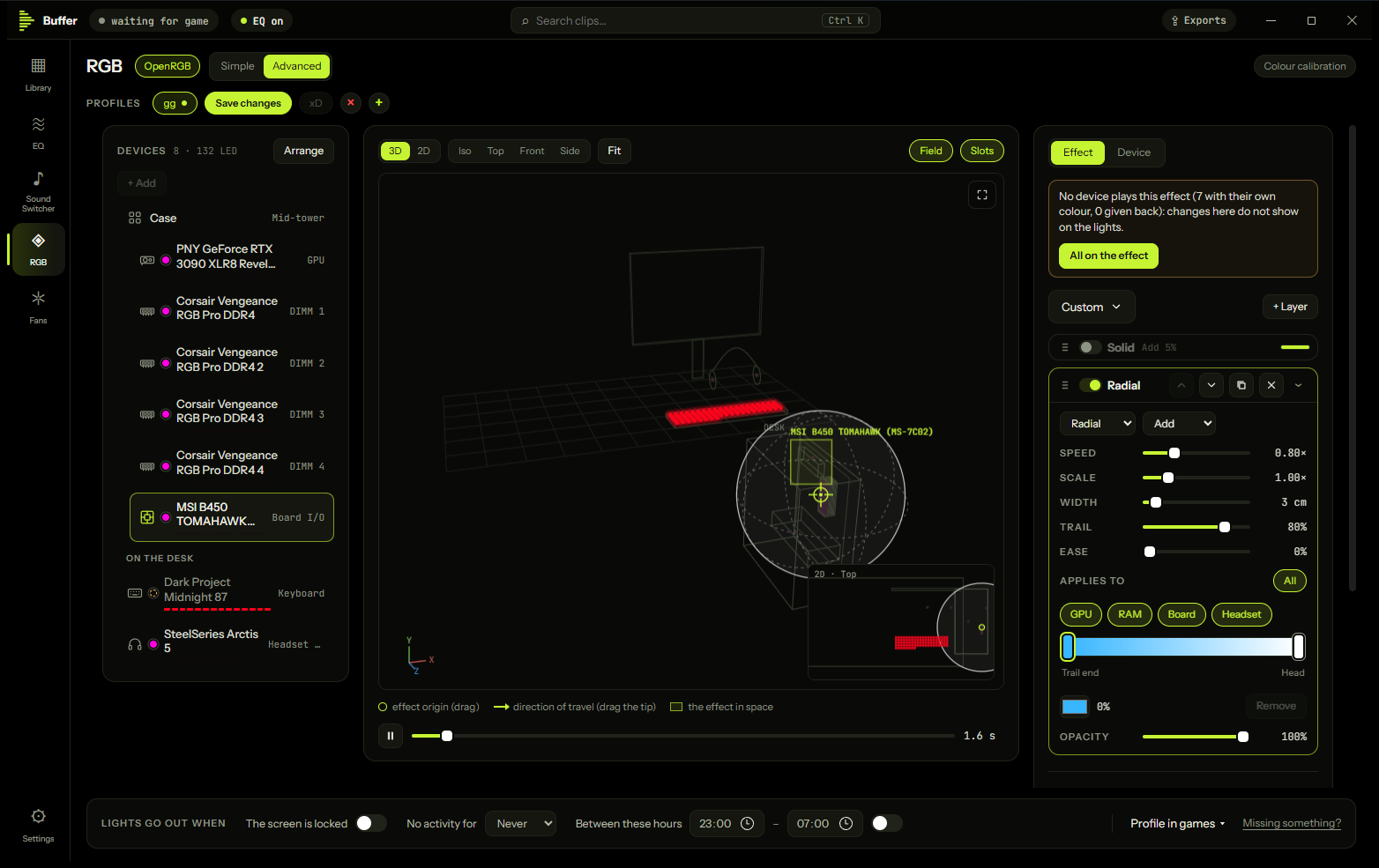
RGB, optional
Colour, brightness and power for your lights in one place, or a 3D/2D model of your desk with synced effects. Colour calibration, profiles and share codes. Runs on OpenRGB, installed only if you ask.
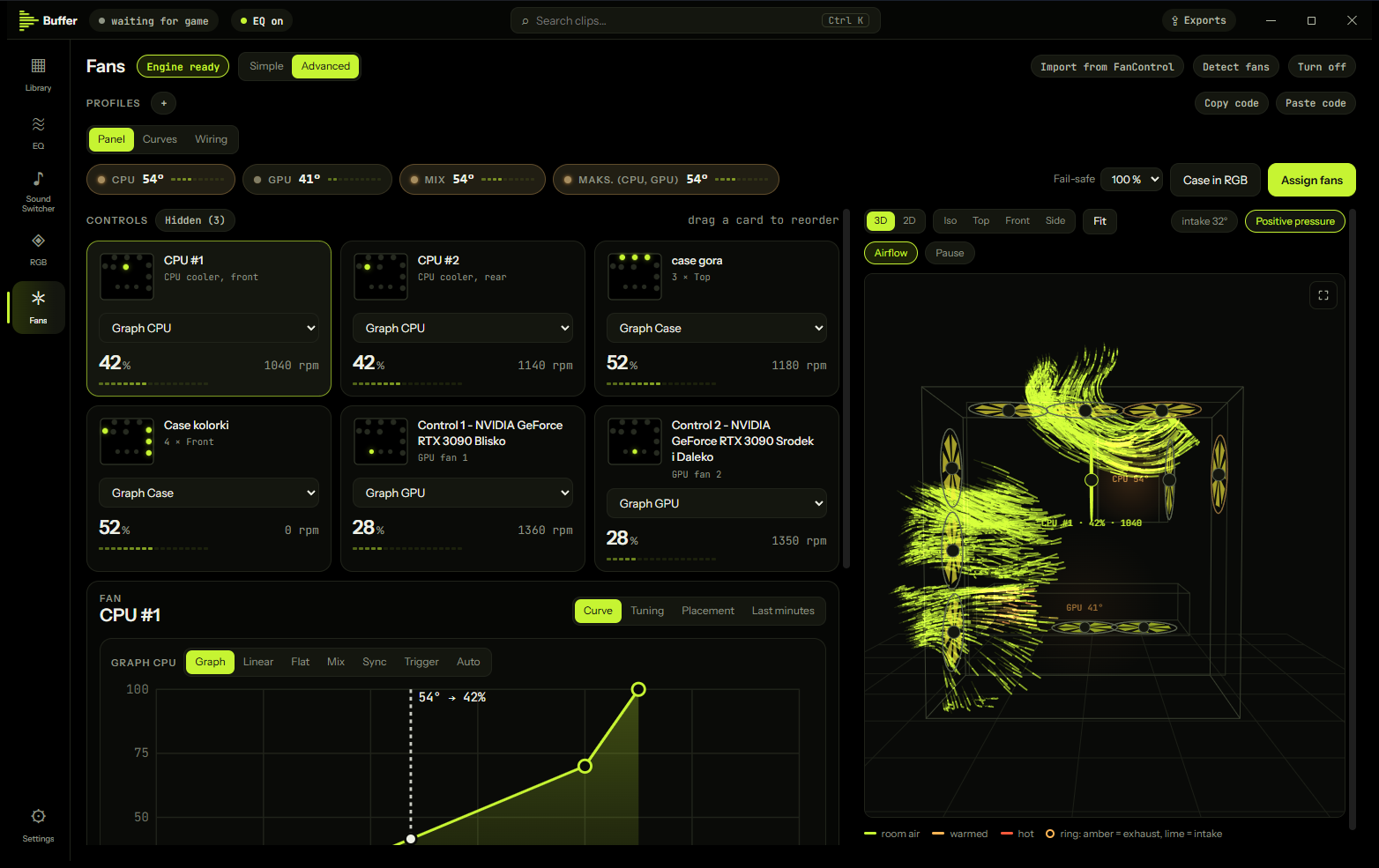
Fan curves, optional
Simple Quiet-to-Cool dials or Advanced curves, wiring and a case view with live speeds and airflow. Finds each fan by spinning it, imports FanControl. If Buffer stops, the fans go back to the board's settings. Needs admin approval once.
Edit and export to size
Trim, crop to 16:9, change speed, set volume and loudness per track on a zoomable timeline. Export for Discord (10 MB), Boost (50 MB) or 500 MB and drag it in.
Speaks your language
English, Polski, Deutsch, Español, Français, Українська, Türkçe, 日本語, 简体中文.